
Editing | Creating | Sharing
Editing | Creating | Sharing
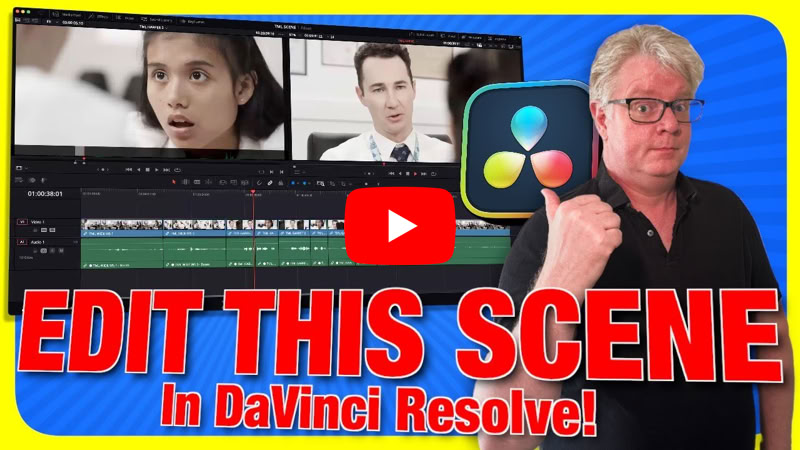
Editing a Drama Scene in DaVinci Resolve
In this episode I show you how to edit a short scene from the film Too Much Life using DaVinci Resolve.
A.I. Editing with DaVinci Resolve 20
In this episode I show you some of the new A.I. editing features available in the new DaVinci Resolve Studio 20
DaVinci Resolve 20
In this episode I show you some of the new editing tools available in the FREE version of DaVinci Resolve 20 Public Beta.
Ripple Overwrite
In this episode I demonstrate the unique edit available in DaVinci Resolve and how it can speed up your editing.
Using Blackmagic Cloud Presentations
In this episode I show you how you can use the Presentations in Blackmagic Cloud for client reviews and feedback.
MotionVFX Templates for DaVinci Resolve
In this episode I showcase some of the FREE templates available from MotionVFX, along with one of my favourite paid packs.
Create Custom Fusion Templates
In this episode I show you how to create custom Fusion templates with dedicated controls completely from scratch.
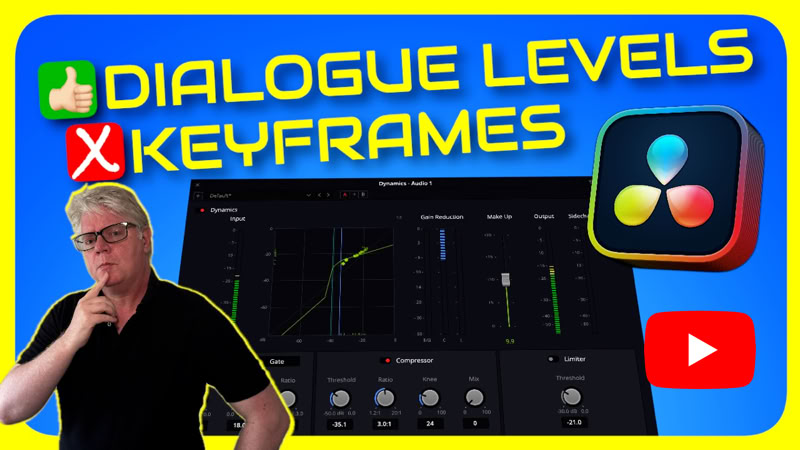
Perfect Dialogue Levels, No Keyframes
In this episode I show you how to get consistent dialogue levels without having to use keyframes in the Fairlight page.

Editing / Creating / Sharing
Copyright © Chris Roberts Video Production & Training Ltd 2026
Company Number 9441309